When to Choose a Wi-Fi or Bluetooth Humidity Monitor
Use a Bluetooth humidity monitor when you want app history while you are at the property. Use a Wi-Fi monitor when you need alerts or readings while away. Use a multi-sensor gateway when you need several rooms in one system.
A smart thermostat can provide a useful central humidity reading, but it normally measures only the air around the thermostat. It does not automatically represent the basement, bedrooms, bathrooms, storage rooms, or other problem areas.
Connected monitoring is useful for history, alerts, and convenience. It is not required for a basic humidity check, and monitoring humidity is not the same as controlling it.
Basic digital meters tell you what the humidity is now. Connected monitors can show what happened overnight, whether a basement becomes damp after rain, whether a closed bedroom behaves differently, or whether conditions changed while you were away.
The added technology is worthwhile only when the history, alerts, or remote access solves a real problem. If you can walk into the room and read a basic display, a connected system may be unnecessary.

What connected humidity monitors actually do
Connected sensors can be useful for alerts and trends, but the display is only as representative as the sensor location and its reporting interval. Readings near vents, windows, or moisture sources may not describe the rest of a room. Do not assume a smart thermostat is a calibrated reference instrument without evidence for that specific device. Technical references: ASHRAE Psychrometrics.
A connected humidity monitor measures relative humidity and temperature like a basic digital hygrometer. The difference is what happens after the reading is taken.
| Capability | What it provides | Why it matters |
|---|---|---|
| Current app reading | Temperature and RH on a phone or tablet | Lets you check without reading the local display |
| History chart | Readings over hours, days, or months | Separates a temporary spike from a persistent condition |
| Threshold alert | Notification when humidity becomes too high or low | Warns about unattended spaces |
| Multiple sensors | Several rooms shown in one app | Reveals floor-to-floor and room-to-room differences |
| Remote access | Readings while away from home | Useful for vacation properties and infrequently checked areas |
| Data export | Downloadable readings, often in CSV format | Supports longer-term analysis and recordkeeping |
| Automation | Possible connection to other smart devices | May support equipment control when the systems are compatible |
Not every connected sensor includes every feature. Check the specific product for remote access, alert support, history length, export capability, gateway requirements, and supported sensor count.
Bluetooth versus Wi-Fi humidity monitors
| Feature | Bluetooth monitor | Wi-Fi monitor |
|---|---|---|
| Nearby app reading | Yes | Yes, when supported |
| Works without home internet | Usually | Usually not for remote features |
| Remote access while away | Normally no | Yes |
| Phone alerts while away | Normally no | Yes, when the internet and cloud service are working |
| History stored by sensor | Often available, then synced when nearby | Often uploaded automatically |
| Gateway required | Usually no | Sometimes |
| Best use | Basement, room, cabinet, or storage area you visit | Remote property, unattended room, or multiroom alert system |
Choose Bluetooth when proximity is acceptable
A Bluetooth hygrometer makes sense when you want better history than a basic display provides but do not need to check the property from another location. The sensor may store readings and transfer them to your phone when you return within range.
Bluetooth can work well in a basement, storage room, bedroom, workshop, or other area you visit regularly. The main limitation is range. Floors, masonry, metal, and distance can reduce the connection.

Choose Wi-Fi for remote access and alerts
A Wi-Fi monitor makes sense when you need readings while away, notifications when humidity crosses a threshold, or automatic uploading without visiting the sensor.
The system may use a sensor that connects directly to Wi-Fi or several sensors that connect to a central gateway. Many consumer systems require 2.4 GHz Wi-Fi even when the rest of the home network also supports 5 GHz.
Remote monitoring depends on more than the sensor. The property needs power, internet service, a working router, account access, app permissions, and the manufacturer’s cloud service. A failed connection can stop alerts even while the humidity problem continues.
Disclosure: This page includes affiliate links. If you buy through those links, HumidityAtHome may earn a small commission at no extra cost to you.
As an Amazon Associate I earn from qualifying purchases.
Connected humidity-monitoring options
One connected location: Govee H5103
Best for: A basement, bedroom, storage area, or other single location where you want a local display plus app history and alerts.
- Electronic-ink local display
- Wi-Fi and Bluetooth connectivity
- App alerts
- Historical data and export
- Designed for 2.4 GHz Wi-Fi
Main limitation: It monitors one location. Multiple units are needed for meaningful whole-house coverage.
Multiroom monitoring: GoveeLife three-pack
Best for: Monitoring several rooms or floors through one gateway and app.
- Three display-equipped sensors
- Wi-Fi gateway
- Remote readings
- App-based monitoring
- Suitable for bedrooms, basements, and other separate zones
Main limitation: Gateway range and building construction can affect coverage. Confirm the package contents and supported sensor count before ordering.
Thermostat integration: Ecobee smart thermostat
Best for: Homeowners already replacing or upgrading a thermostat who also want a central humidity reading and compatible HVAC features.
An Ecobee smart thermostat can display indoor humidity and provide app access. Exact humidity-control capability depends on the thermostat model, HVAC equipment, wiring, accessories, and installer configuration.
Main limitation: The thermostat measures its own location. Remote room sensors may not all measure humidity, and a hallway reading does not replace separate basement or problem-room monitoring.
Product packages and capabilities can change. Confirm the included sensor count, gateway, connection type, data retention, alert support, and HVAC compatibility on the product page before ordering.
Smart thermostats that measure humidity
Some smart thermostats include a built-in humidity sensor. That gives you a useful central reference, but it does not provide a complete picture of the house.
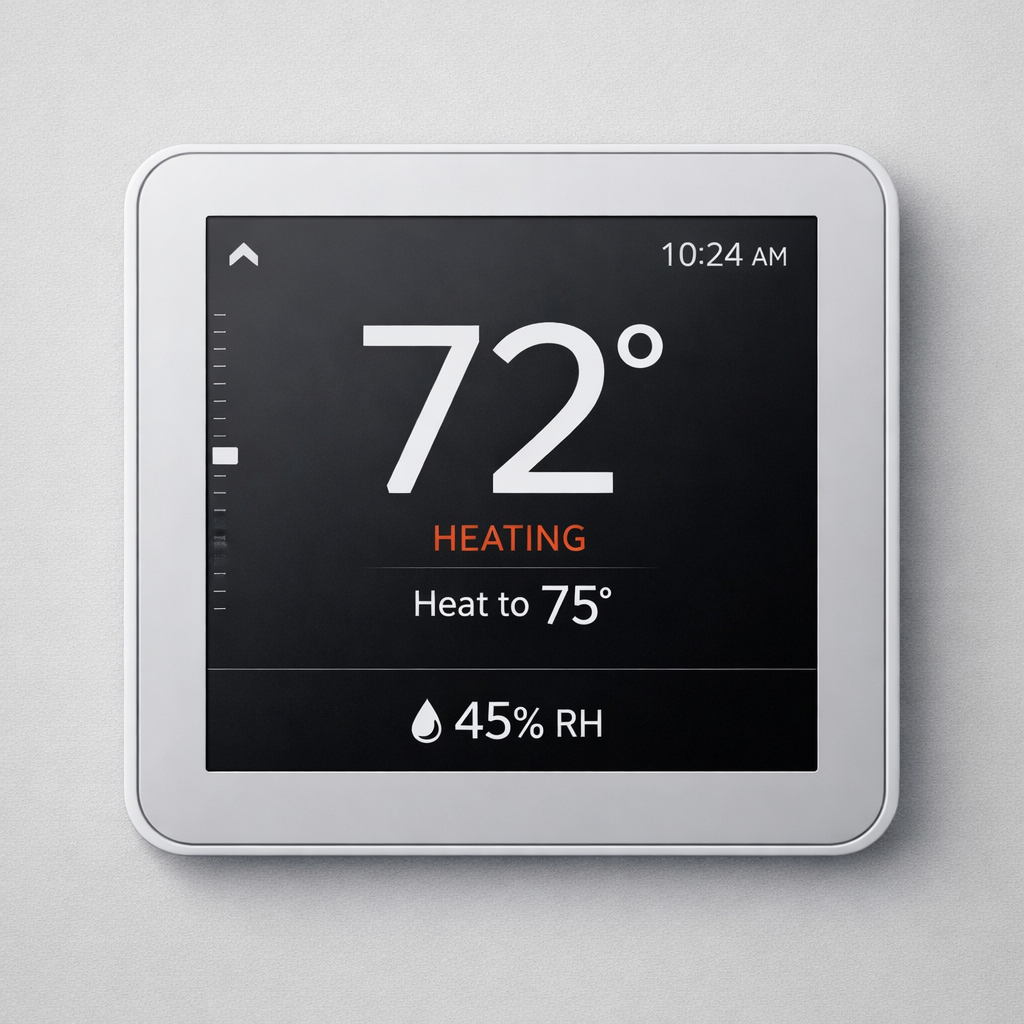
Thermostats are commonly installed in hallways or central areas selected for temperature control. That location may not represent:
- A below-grade basement
- A closed bedroom
- A bathroom or laundry area
- A crawlspace-adjacent room
- A storage room, garage, or workshop
- An addition served by separate HVAC equipment
Some thermostat systems support remote room sensors, but not every remote sensor measures humidity. Some measure only temperature and occupancy. Verify the capabilities of the exact sensor instead of assuming every device in the system reports RH.
Monitoring humidity is not the same as controlling it
A thermostat or sensor may display humidity without having any ability to change it.
| Device or equipment | What it does |
|---|---|
| Humidity sensor | Measures humidity and may display, record, or report the reading |
| Smart thermostat | Measures central conditions and may control compatible HVAC accessories |
| Air conditioner | Removes some moisture while cooling, depending on runtime and operation |
| Whole-house dehumidifier | Actively removes moisture from connected areas |
| Portable dehumidifier | Removes moisture from the room or area where it operates |
| Humidifier | Adds moisture to dry indoor air |
| Bathroom or kitchen exhaust fan | Removes moisture-heavy air near the source |
| Ventilation equipment | Exchanges indoor and outdoor air and may change indoor humidity |
Check before assuming control: A thermostat may need the correct model, wiring, control terminals, compatible equipment, and installer configuration before it can operate a humidifier, dehumidifier, or ventilation accessory.
The practical question is simple: does the device only measure humidity, or can it also control compatible equipment?
Multiroom humidity monitoring
A multiroom system is useful when different parts of the house behave differently. One thermostat reading cannot show whether the basement is damp while the upstairs bedrooms are dry.

A practical starting setup may include:
- One sensor in the basement or lowest level
- One sensor in the main living area
- One sensor on the bedroom level
- One additional sensor in a closed room, storage area, or known problem zone
Before buying a large sensor package, check:
- The maximum number of sensors supported by the gateway
- Whether every sensor reports humidity
- Gateway and sensor range through floors and walls
- Whether additional gateways can be added
- Whether all sensors appear together in one app
- Battery type, battery-life estimate, and low-battery alerts
For placement by floor, room, basement, and crawlspace, use the Humidity Meter Placement Guide.
Humidity alerts: useful, but not guaranteed
Alerts are one of the main reasons to buy Wi-Fi monitoring. They can warn you when humidity rises or falls while you are not watching.

Useful alert situations include:
- Basement humidity climbing during wet weather
- Indoor air becoming very dry during winter heating
- A storage area remaining damp
- A vacation property changing while unoccupied
- A crawlspace-adjacent room trending upward
An alert is not a guaranteed alarm system. Notifications can fail or arrive late if the sensor loses power, the internet connection drops, the gateway disconnects, the app lacks notification permission, the phone suppresses background activity, or the manufacturer’s cloud service is unavailable.
Use alerts as early warning, not as the only protection for valuable property or conditions where equipment failure could cause major damage.
History, logging intervals, storage, and export
A connected monitor becomes more useful when it shows a pattern instead of only the current reading. Before buying, check how the product stores and presents its data.
| Data feature | What to check |
|---|---|
| Logging interval | How often a reading is recorded |
| On-sensor storage | Whether data remains available when the phone or internet is absent |
| Cloud storage | How long readings remain accessible online |
| App history | Whether charts show hours, days, months, or longer periods |
| Data export | Whether readings can be downloaded in CSV or another usable format |
| Account requirement | Whether history depends on a manufacturer account |
| Subscription | Whether any history or alerts require ongoing payment |

A shorter logging interval produces more detail but also creates more data. For normal home diagnosis, you usually need enough detail to see HVAC cycles, overnight changes, weather effects, and persistent trends. You do not need a new data point every few seconds to determine that a basement stayed damp all week.
CSV export matters when you want to compare sensors, preserve seasonal history, document a recurring condition, or analyze the readings outside the manufacturer’s app.

Vacation homes and remote properties
Remote humidity monitoring is useful for a vacation home, seasonal property, detached building, storage location, or another space that may sit unattended.

Humidity alone is not enough for serious remote-property protection. A useful remote setup may also need:
- Temperature and freeze alerts
- Water-leak detection
- Power-loss or device-offline notification
- Internet or router monitoring
- A local person who can respond when an alert matters
A humidity alert that nobody can act on is merely an electronic way to learn that the property is getting damp.
When connected monitoring makes sense
| Situation | Useful setup | Reason |
|---|---|---|
| Finished basement | Wi-Fi or Bluetooth history | Shows changes after rain, HVAC operation, and seasonal weather |
| Storage room | Sensor with history and alerts | Warns before stored items remain damp for long periods |
| Several floors | Multi-sensor gateway | Compares distinct zones in one app |
| Vacation property | Wi-Fi monitoring with offline alerts | Provides remote information while the property is unattended |
| Recurring but unexplained problem | Logger with export | Provides data that can be compared with weather and HVAC operation |
| Existing smart thermostat | Thermostat RH plus portable comparison sensors | Uses the central reading without assuming it represents every room |
When connected monitoring is overkill
Connected monitoring is usually unnecessary when you need only a current reading, can check the space in person, do not need alerts, and have no reason to preserve a long history.
Several inexpensive meters may provide better household information than one connected sensor because they show multiple locations at the same time. They also avoid gateways, accounts, app permissions, cloud dependence, and network setup.
For simple room and floor comparisons, start with the Best Indoor Humidity Meters for Home Use.
Smart sensors and automation
Some monitoring systems can trigger smart plugs, fans, humidifiers, dehumidifiers, or HVAC accessories. Automation can be useful, but it adds several ways to get the wrong result.
- Verify the sensor against another meter.
- Place it where it represents the area being controlled.
- Watch the history before choosing a control threshold.
- Confirm the connected equipment can safely restart after power loss or network interruption.
- Test what happens when the sensor, gateway, internet, app, or cloud service goes offline.
Bad readings create bad automation. Use connected monitoring first. Add automatic control only after the humidity pattern and equipment behavior are understood.
Placement still determines what the sensor sees
A smart sensor can be accurate and still provide misleading information because it measures only the air around the device.
| Better locations | Avoid |
|---|---|
| Normal occupied areas | Direct sunlight |
| Interior shelf or wall | Supply vents and return grilles |
| Representative basement area | Directly beside a dehumidifier |
| Bedroom away from local equipment | Beside a humidifier |
| Storage area with normal airflow | Against a cold exterior wall |
| Known problem room with a comparison sensor elsewhere | Direct shower, cooking, or laundry moisture |
After installing or moving a sensor, allow it to stabilize before judging the reading. Compare it with another meter when the number seems implausible. The humidity meter accuracy guide explains how to check disagreement and consistent offsets.
Choose Connected Monitoring for History, Alerts, and Remote Checks
Choose Bluetooth when you want local history without depending on home internet. Choose Wi-Fi when you need remote readings and alerts. Choose a gateway system when you need several rooms in one app. Use a smart thermostat as a central reference, not as proof of conditions throughout the house.
Before buying, verify sensor count, range, connection type, gateway requirements, alert behavior, data retention, export capability, battery needs, subscription terms, and what happens when the system goes offline.
Connected monitoring is useful because it preserves history and reduces surprises. It does not fix humidity, replace correct placement, or guarantee that someone will respond to an alert.